Why You Need a Password Manager (And How to Actually Start Using One)
Updated: 3 days ago
A Report by CYS Global Remit Network Admin Support Team
A password manager is the tool that makes good password habits effortless.
The Problem With Passwords
Any regular, working person manages dozens of online accounts. It ranges from banking, email, social media, work platforms and lastly government services (Thank goodness for Singpass). Every Registration page consistently recommends that your account should have a unique, complex password, followed by guidelines and indicators of password strength. Some common rules for a strong password: At least 12 characters, combines upper and lower case letters, numbers, and symbols, and lastly should bear no resemblance to personal information.
The challenge is obvious: no one can memorise dozens of truly random, complex passwords. So most people resort to one of two unsafe habits: reusing the same password across multiple accounts, or using simple, guessable passwords that they can remember. Either approach creates serious vulnerability.
When one service is compromised in a data breach, attackers immediately attempt the stolen credentials on other platforms. This technique, called credential stuffing, exploits the predictability of password reuse. If your email and your bank share the same password, a breach of a low-security site you signed up to years ago can threaten your most sensitive accounts.
What a Password Manager Does
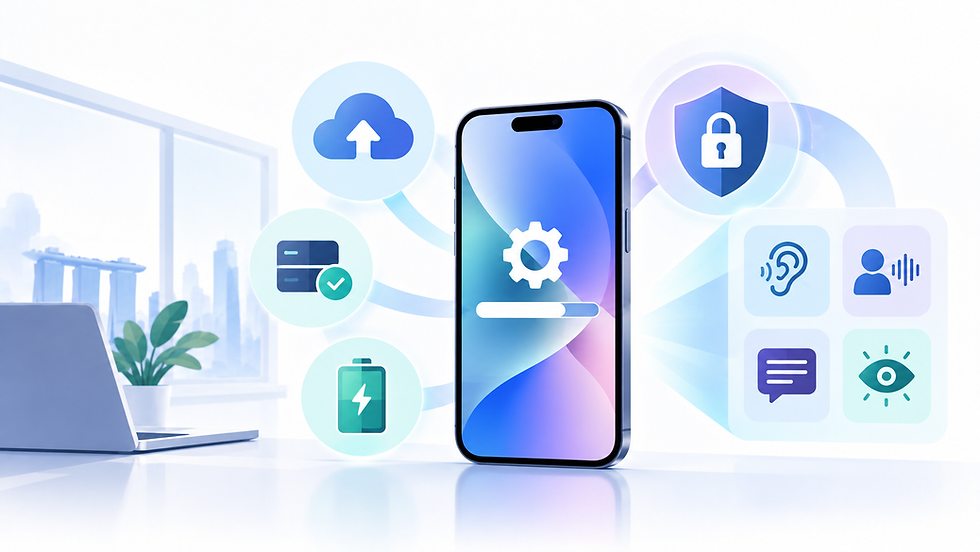
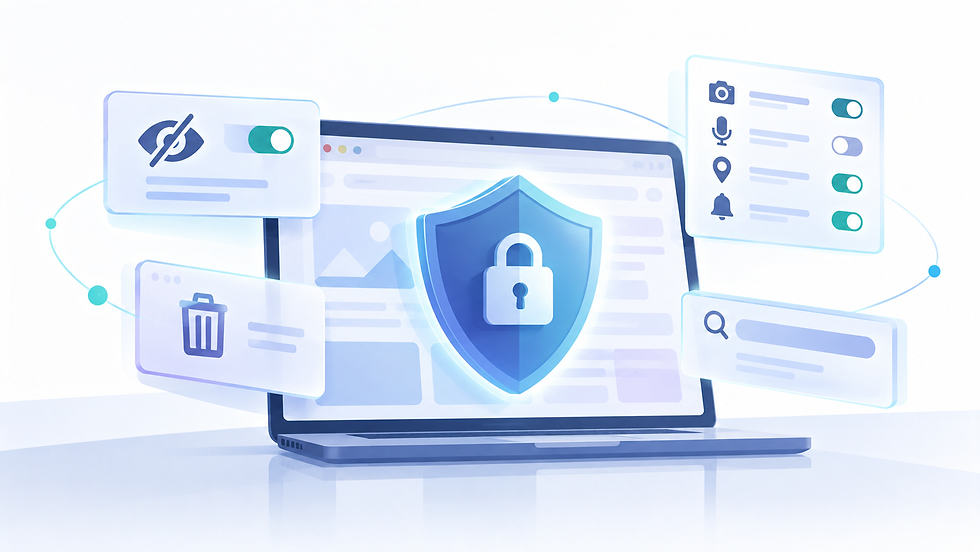
A password manager is a secure application that stores all your passwords in an encrypted vault, protected by a single master password. The key benefits are:
Generates strong, unique passwords automatically for every account
Stores passwords securely, so you only need to remember one master password
Auto-fills login credentials when you visit websites or open apps
Alerts you when a saved password appears in a known data breach
Syncs across all your devices! Phones, computers, and tablet
CSA Recommendation The Cyber Security Agency of Singapore recommends using a password manager as a key measure for protecting personal and business accounts. A strong master password, combined with two-factor authentication on the manager itself, provides a robust foundation for account security.
Built-In vs Dedicated Password Managers
You may already have a password manager built into your devices. Apple's iCloud Keychain is integrated across iOS, iPadOS, and macO. It generates, stores, and auto-fills passwords, and alerts you to compromised credentials. Microsoft's built-in password manager in Microsoft Edge offers similar functionality for Windows and cross-platform users.
Dedicated third-party password managers such as 1Password, Bitwarden, and Dashlane offer additional features including password health audits, secure note storage, and family or business sharing plans. Bitwarden is notable for being open-source, which allows independent security researchers to verify its code.
For most individuals, starting with the built-in option on their primary device is the lowest-friction entry point — it requires no additional software and integrates seamlessly with the operating system. Businesses with staff using multiple platforms may benefit from a dedicated solution with centralised management.
How to Get Started
Starting with a password manager is simpler than most people expect:
Choose your manager: For Apple users, iCloud Keychain is already available in Settings. For Windows users, Microsoft Edge's built-in manager is a natural starting point.
Set a strong master password: This is the one password you must remember. Make it a passphrase (Recommendation: Four or more unrelated words strung together) rather than a single word with character substitutions.
Enable two-factor authentication on the manager: This adds a second layer of protection even if your master password is ever compromised.
Import or save credentials gradually: Most managers offer an import function for existing passwords, or you can simply save credentials as you log into accounts over the coming weeks.
Let the manager generate new passwords: When you next change a password or create a new account, use the manager's generator rather than choosing your own.
For Businesses
If your business handles client data, financial transactions, or sensitive information, the stakes around password security are higher. A password manager with a business or team plan allows centralised control, ensures staff use strong credentials for shared accounts, and enables secure offboarding when employees leave. The CSA's guides for Small and Medium Enterprises cover password management as a foundational cybersecurity measure.
Sources
Cyber Security Agency of Singapore (CSA) — Safe Online Practices — Passwords: https://www.csa.gov.sg/our-programmes/support-for-enterprises/sg-cyber-safe-programme
CSA — Cybersecurity Health Check for SMEs: https://www.csa.gov.sg
Apple — iCloud Keychain Overview: https://support.apple.com/en-sg/HT204085
Microsoft — Password Manager in Microsoft Edge: https://support.microsoft.com/en-us/topic/use-password-manager-microsoft-edge