What Does 'AI Agents in Windows' Actually Mean for You?
A Report by CYS Global Remit Network Admin Support Team
Microsoft is putting AI agents at the centre of Windows but what does that actually mean for the way you use your computer day to day? Here's a plain-language breakdown.
From Assistant to Actor
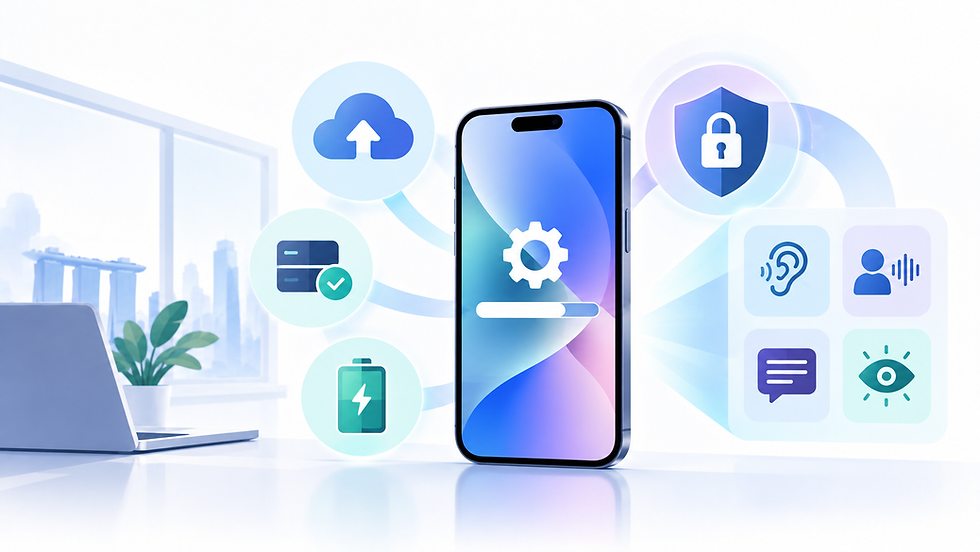
For the past few years, AI in Windows has mostly meant Copilot, a chat-based assistant you ask questions of, and which responds with text, summaries, or suggestions. At Microsoft's Build 2026 developer conference, the company signalled a meaningful shift: AI moving from something you consult to something that can independently take action across your system.
This is the essence of 'agentic AI' — software that doesn't just answer a question, but can carry out a multi-step task on your behalf: opening an app, filling in a form, moving files, or coordinating information across several programs without you manually operating each step.
What This Looks Like in Practice
Several components underpin this shift, each at different stages of maturity:
Windows Development Skills and Configurations: tools that let developers build applications with built-in agent capabilities now generally available
Intelligent Terminal: an experimental feature that brings AI-assisted command-line interaction directly into Windows' terminal tools
Local agentic reasoning: AI capabilities that run directly on your device's Neural Processing Unit (NPU) rather than requiring a constant internet connection to a cloud server
Multi-agent orchestration in Microsoft 365 Copilot: the ability for Copilot to chain together several actions automatically. For example, summarising a Teams meeting, extracting action items, updating a shared tracker, and drafting follow-up emails, all from one instruction
Running AI Models Locally
A notable theme in Microsoft's recent Windows announcements is the move toward on-device AI. Windows now supports several ways for developers to run AI models locally, using available CPU, GPU or NPU hardware. On newer Copilot+ PCs, dedicated NPUs can accelerate many of these AI workloads, allowing more processing to happen directly on the device rather than relying entirely on the cloud.
For everyday users, the practical benefit of local processing is twofold: potentially faster responses (no round trip to a remote server), and improved privacy, since the content you're asking the AI to process doesn't need to leave your device. This requires a 'Copilot+ PC', a category of Windows computer equipped with an NPU meeting Microsoft's performance threshold, most commonly newer laptops using recent Intel, AMD, or Qualcomm Snapdragon chips.
What You Should Actually Do With This Information
If you use Microsoft 365 (Word, Excel, Outlook, Teams) at work, expect Copilot to increasingly offer to complete multi-step tasks rather than just answer single questions, evaluate each suggested action before accepting it, particularly anything involving sending communications or modifying shared files
If you're shopping for a new Windows laptop and want to make use of on-device AI features, look for the 'Copilot+ PC' designation, which indicates NPU hardware meeting Microsoft's requirements
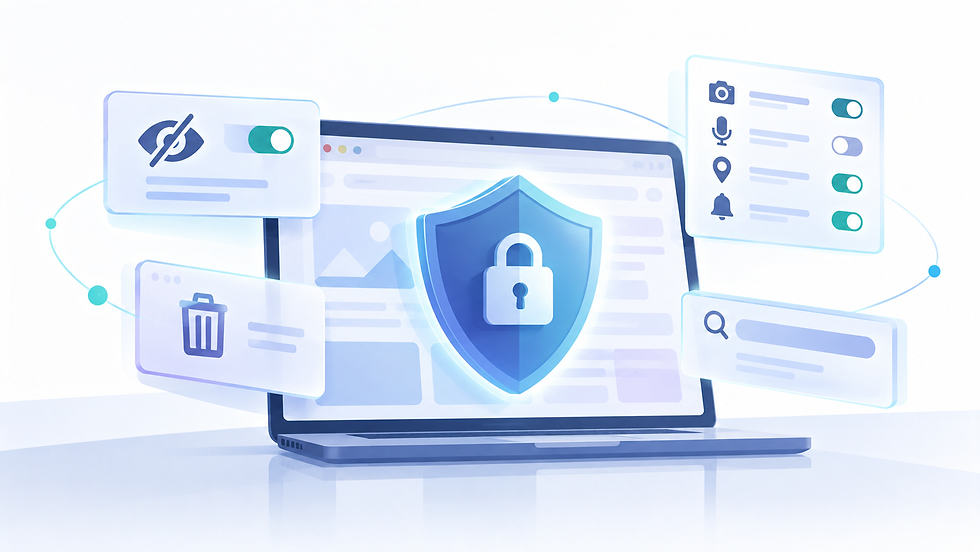
Review any AI agent permission settings periodically, particularly in a work environment, to understand what actions have been authorised on your behalf
None of this requires urgent action from most users but understanding the direction Windows is heading helps you make sense of new features as they arrive, rather than being surprised by them.
Sources