Why Tokenised Wallets Beat Physical Cards for Safer Payments
A Report by CYS Global Remit Network Admin Support Team
Paying with tokenised wallets such as Apple Pay and Google Pay has become one of the most effective ways to protect your card data in everyday transactions. Tokenisation replaces your actual card number with a unique surrogate value — a "token" — so merchants never see or store your real card details during payment. This shift is especially important as digital wallets and contactless payments have become mainstream.
Why Traditional Cards Fall Short
In a traditional card transaction, the primary account number (PAN) is transmitted through merchant systems and often stored for future use, making it a valuable target in data breaches.
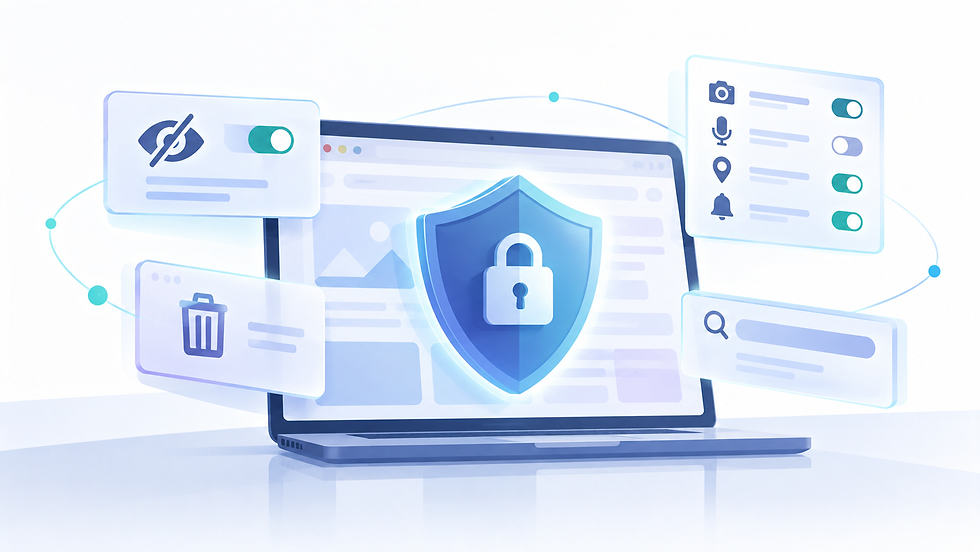
Tokenisation changes this by substituting the PAN with a random token that has no exploitable meaning outside the payment network. Even if attackers intercept this token or compromise a merchant database, the data is typically useless without the highly controlled token vault managed by the payment provider. This architecture significantly reduces the surface area for fraud and lowers the risk of large-scale card data leaks.
How Apple Pay and Google Pay Protect You
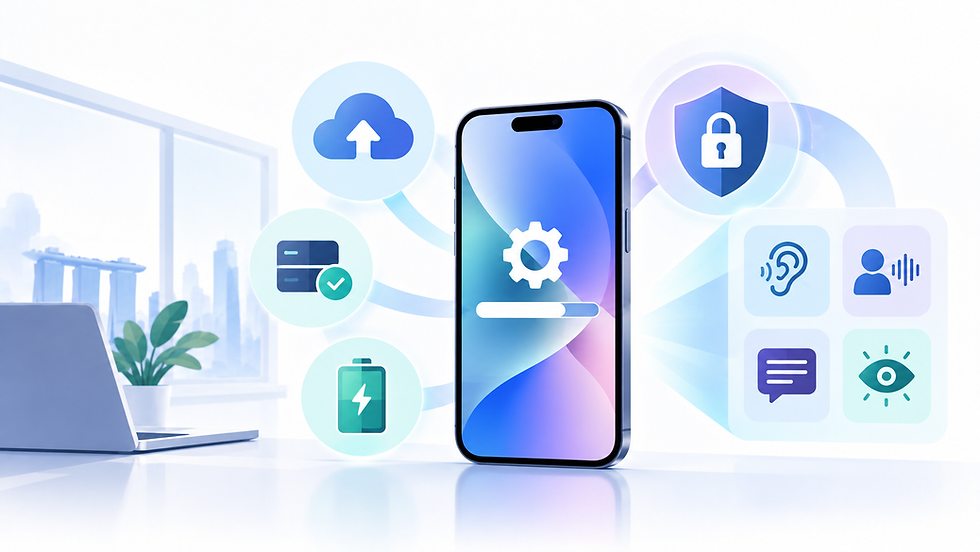
Digital wallets like Apple Pay implement tokenisation alongside additional security layers. When a card is added, the actual card number is not stored on the device or Apple's servers. Instead, a Device Account Number is created and stored in a secure hardware element, and each transaction is authorised with a one-time dynamic security code.
This combination of tokenisation, hardware-backed storage, and per-transaction cryptograms prevents replay attacks and skimming — making it substantially harder for attackers to clone cards or use intercepted data for unauthorised payments.
How to Get Started
Setting up a tokenised wallet takes less than five minutes. Here is how to do it on the two most widely used platforms:
Apple Pay:
Open the Wallet app on your iPhone.
Tap the "+" icon and select "Debit or Credit Card."
Follow the on-screen prompts to scan or enter your card details.
Your bank will verify the card — usually via SMS or a phone call.
Once verified, your card is ready to use with Face ID or Touch ID.
Google Pay:
Open the Google Wallet app on your Android device.
Tap "Add to Wallet" and select "Payment card."
Scan your card or enter the details manually.
Complete your bank's verification step.
Your card is now tokenised and ready for tap-to-pay.
Once set up, simply hold your phone near any contactless terminal to pay — no physical card required.
Common Concerns — Answered
"What if my phone is lost or stolen?" Your tokenised card is tied to the specific device it was set up on. If your phone is lost, you can remotely remove your cards via iCloud (Apple Pay) or Google's Find My Device. The token becomes invalid immediately — your actual card number is never exposed.
"Is it really safe to store my card on my phone?" Yes — and in fact safer than carrying a physical card. Your card number is never stored on the device. What is stored is a device-specific token that cannot be used on any other device or reversed to reveal your actual card details.
"What if the merchant's system gets hacked?" Because merchants never receive your real card number — only the token — a breach of their system yields nothing useful to an attacker. This is precisely the security advantage tokenisation was designed to provide.
Benefits Beyond Security
The benefits of tokenisation extend beyond fraud prevention. Research shows that merchants using network tokens often see improved authorisation rates and fewer false declines, because issuers treat tokenised transactions as lower risk.
Merchants also benefit from simplified compliance, since sensitive card data no longer passes through or resides in their systems. Over time, this contributes to higher payment acceptance, reduced fraud losses, and stronger customer trust.
3 Steps to Safer Payments — Starting Today
Set up Apple Pay or Google Pay on your device using the steps above.
Enable biometric authentication (Face ID, Touch ID, or fingerprint) to ensure only you can authorise payments.
Remove saved card numbers from your browser's autofill — tokenised wallets are the safer alternative for online checkouts too.
Tokenised wallets are not just a convenience — they are a meaningful upgrade to how you protect your financial data every day.
References
Frugal Testing. (2025). Is Apple Pay secure?
https://www.frugaltesting.com/blog/is-apple-pay-secure-how-apple-ensures-top-tier-security-for-digital-payments
Cloud Security Alliance. (2025). Growing your revenue with card-on-file tokenisation. https://cloudsecurityalliance.org/blog/2023/06/29/growing-your-revenue-with-card-on-file-tokenization
MoldStud. (2025). The role of tokenisation in Apple Pay security. https://moldstud.com/articles/p-the-role-of-tokenization-in-apple-pay-security-a-developers-perspective
DashDevs. (2025). Digital wallet innovations & future trends. https://dashdevs.com/blog/digital-wallet-innovations-tokenization-adoption-trends/
Skinner, C. (2025). 2025 is all about digital wallets, tokenisation and crypto. The Finanser. https://thefinanser.com/2025/01/2025-is-all-about-digital-wallets-tokenisation-and-crypto